





SteamGOG
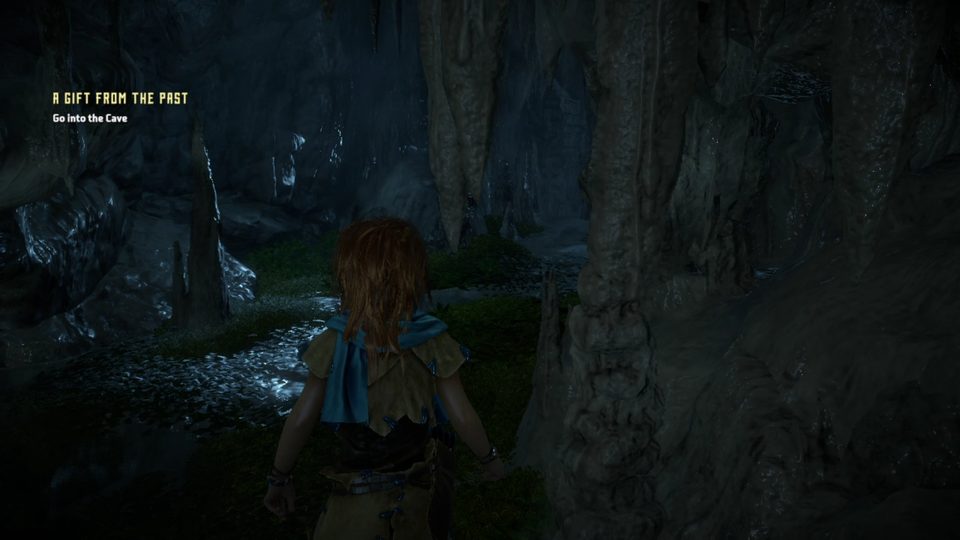
The Elder Scrolls V: Skyrim SE
Solo open-world RPG
ControllerKeyboard + mouse

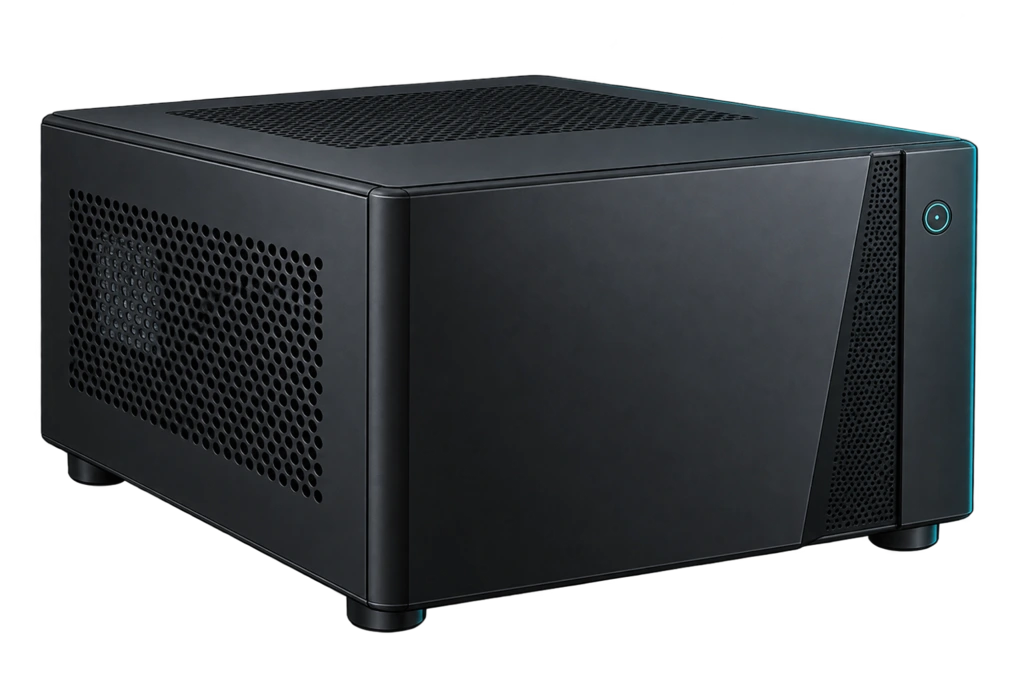
Turn a Linux server, NAS, or homelab into an always-on gaming machine. Run separate gaming desktops on the same hardware and play from your TV, handheld, laptop, or browser.
Steam is ready to go. Add the launchers you like, pick up where you left off, and make one gaming desktop feel like home.
Epic, GOG, Amazon and more are only a launcher away.
Take on huge solo adventures, bring everyone together for couch co-op, or jump into LAN and online multiplayer. These are just a few of the games already running brilliantly on Steam Headless.
Solo open-world RPG
Solo open-world RPG

Solo · split-screen · online co-op

Solo survival horror

Solo · online co-op

Couch co-op · 1–4 players

Couch co-op · local versus

Solo · LAN and online multiplayer

Solo action RPG

Solo open-world adventure
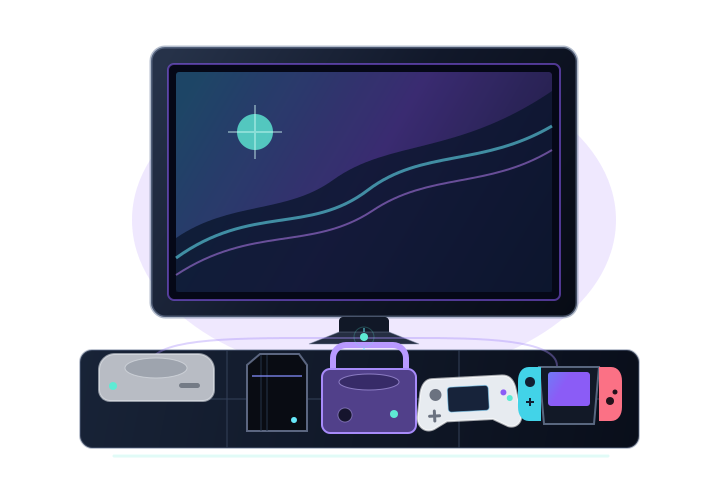
Bring your PlayStation 2, GameCube, Wii U, Switch, arcade and classic libraries along for the ride.
A quick look can save a lot of fiddling when a game uses Proton or multiplayer anti-cheat.
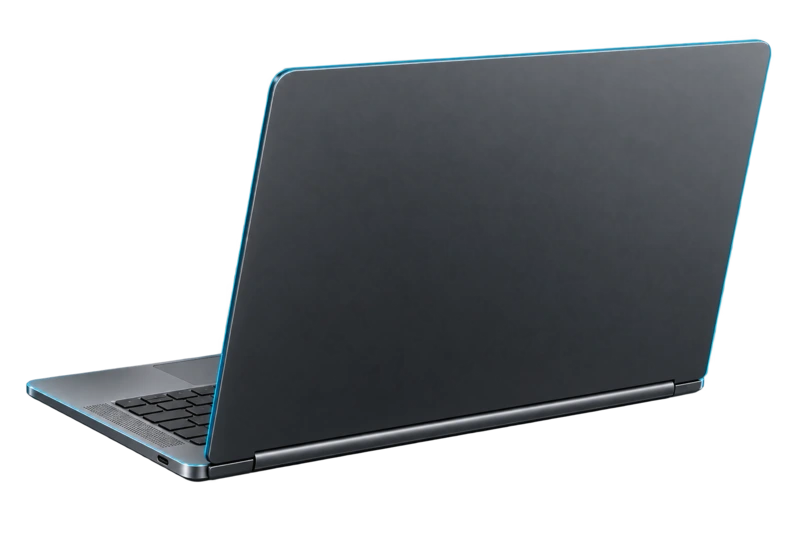
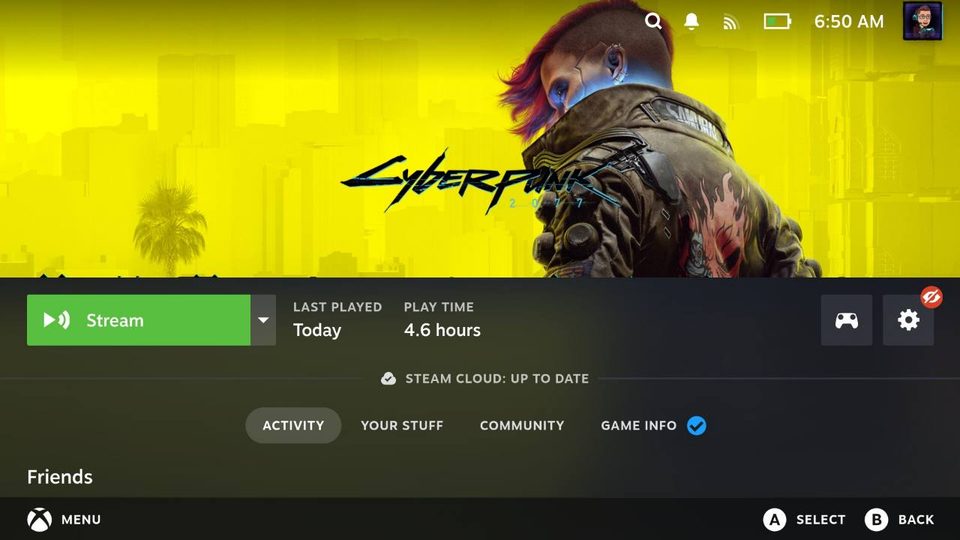
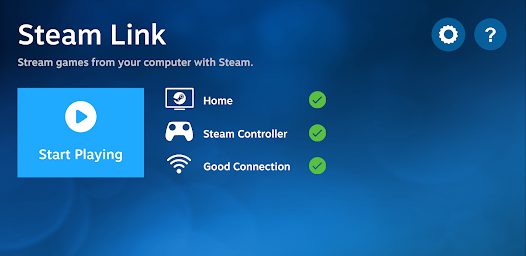
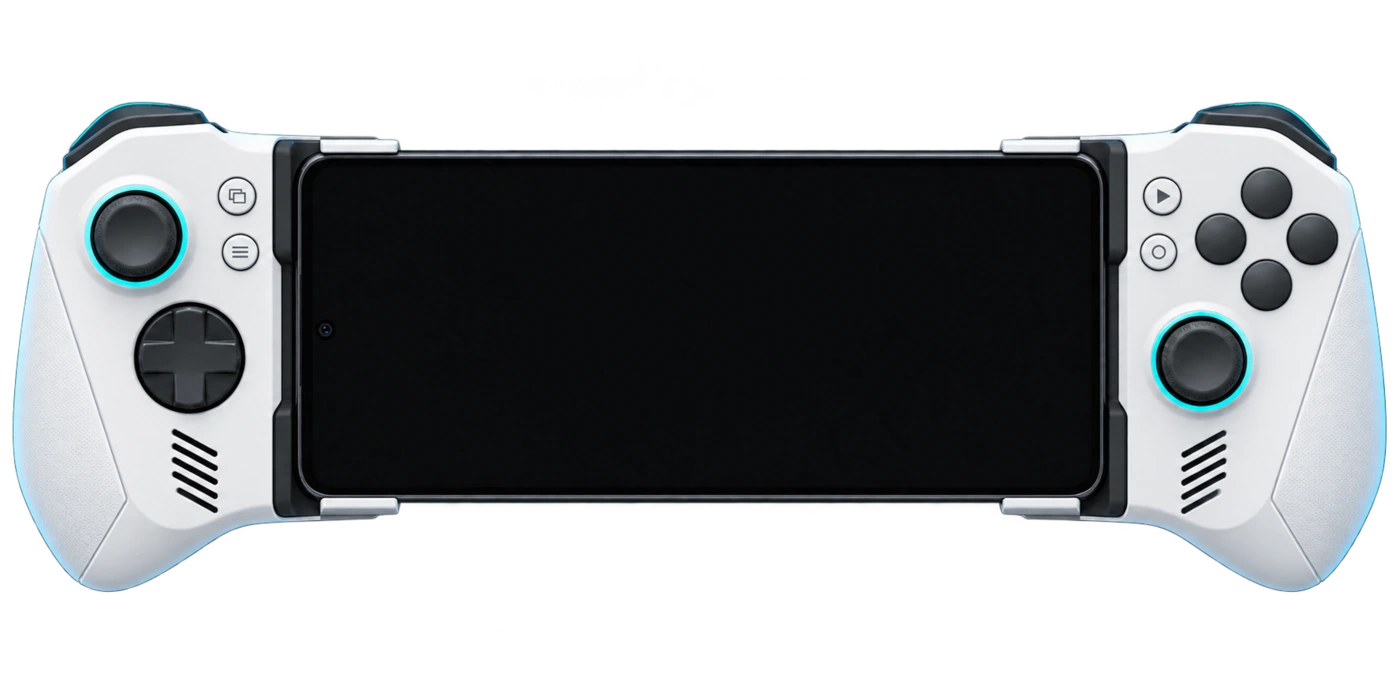
Open a browser, pair Moonlight with your TV, stream between Steam clients, or pick up the Steam Link app. Steam Headless supports all four, with a way to play on everything from the laptop you already own to the biggest screen in the house.
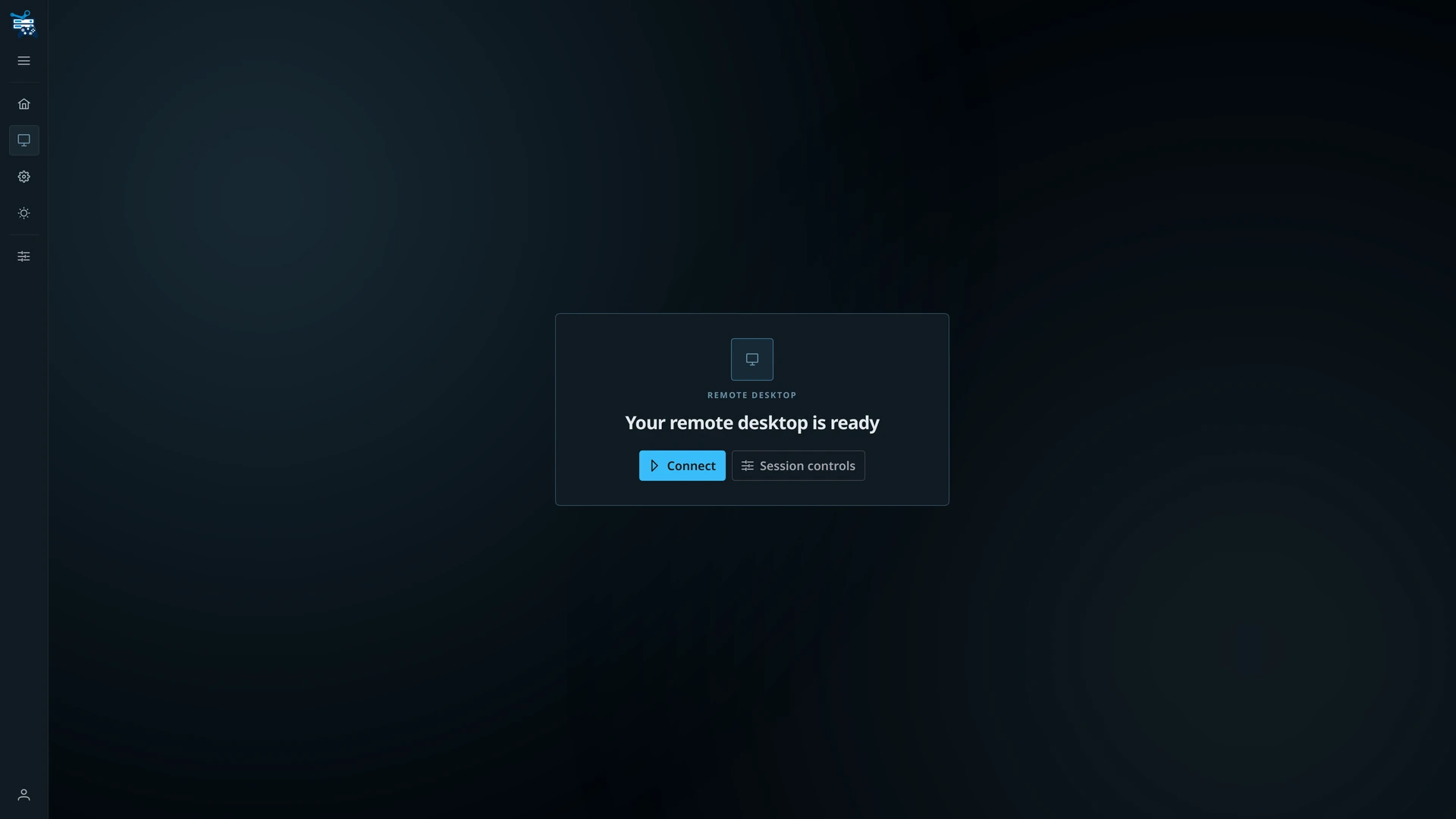
Open the Steam Headless web portal for quick desktop access, or share a session with a group for a local multiplayer game or emulator over the internet. Everyone can join from a browser.
Best forQuick desktop access and shared local multiplayer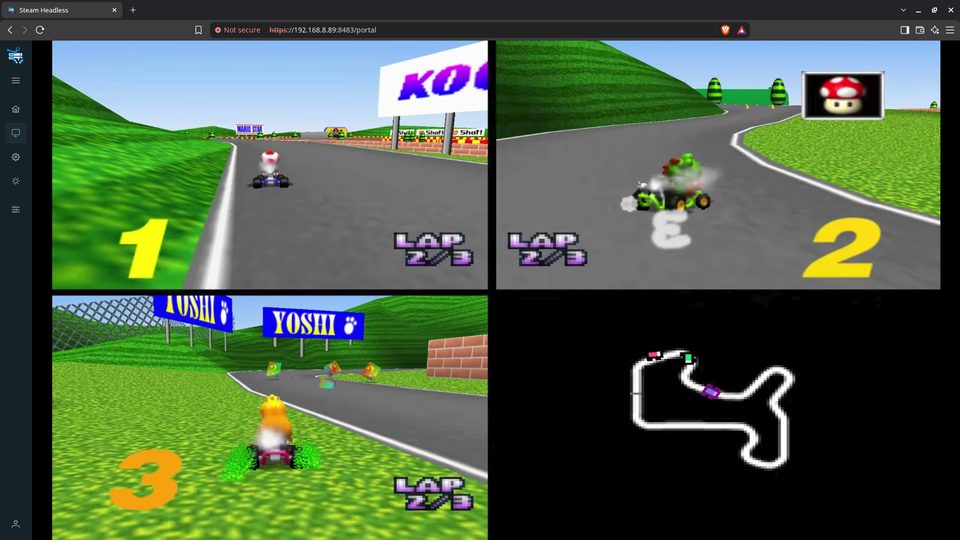
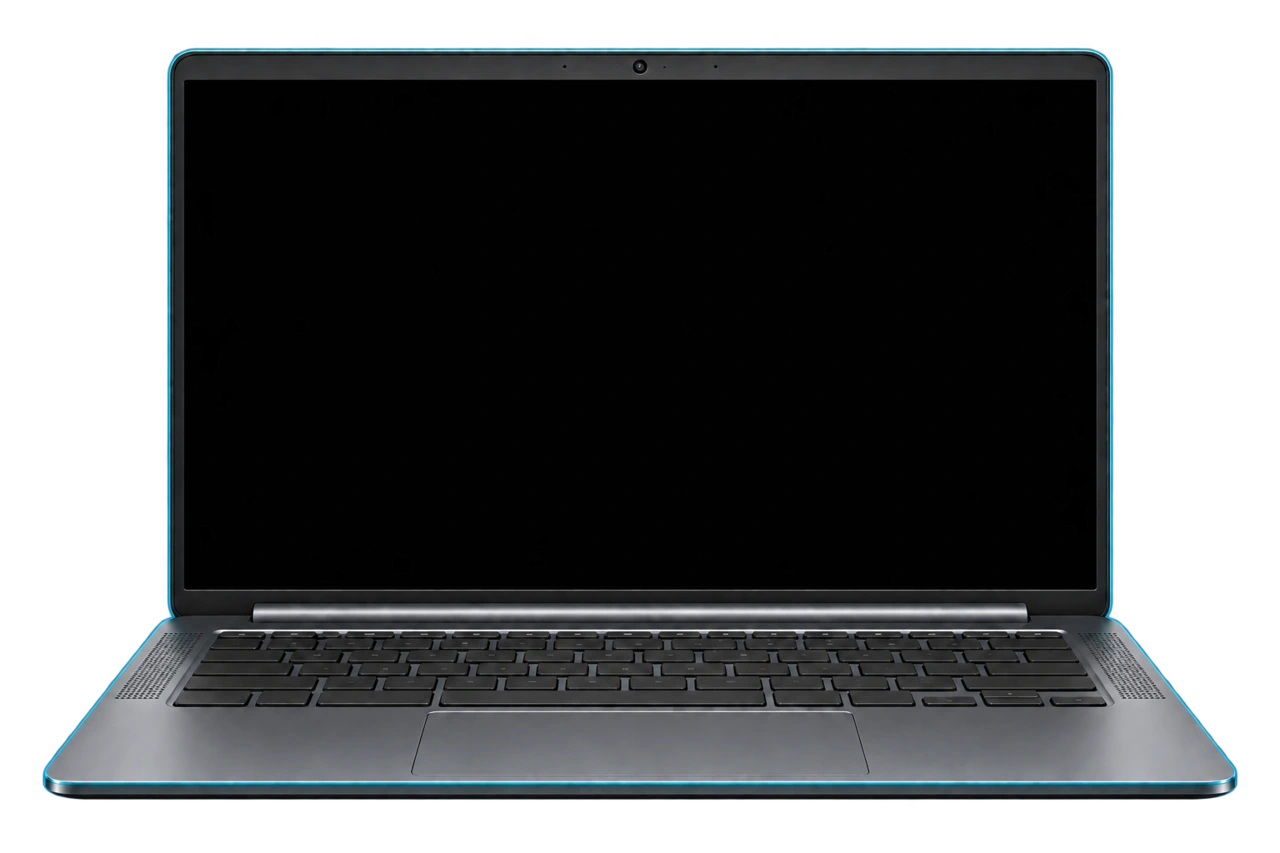
Run multiple independent gaming desktops at the same time on one physical server, each with its own display, audio, and controls.
Batman: Arkham Origins
Moving Out
Shared installs. Separate desktops.Both sessions can use the same installed game files, while each player gets their own user directory, display, audio, and controls.
Steam Headless is built for Docker, so turning your server into a gaming PC is a short, guided process. Prepare your host, launch the container, then open your new desktop and make it yours.
Start with your Linux server or NAS. The guide walks you through getting Docker, GPU access, and storage ready for Steam Headless.
Prepare your hostChoose the deployment method that suits your server, launch the container, and let Docker take care of keeping the whole setup together.
Choose a deployment methodFinish setup in your browser, open the desktop, and install your games. Pair a client when you are ready to play on another screen.
Follow the first-run guideWe keep Steam Headless moving with rolling releases. You decide when your gaming server moves with it. Follow the current release, or pin a version you trust and stay there for as long as you like.
The :2 tag follows each published Steam Headless release. Pull the newer image when you are ready, then recreate the container to move forward.
Every published build keeps its own tag. Stay on the version that feels solid, try a newer one on your schedule, and point back to the previous tag if you want to undo the update.
Your games and settings stay with you.Games, saves, desktop files and Steam Headless settings live outside the replaceable image, so changing releases does not mean starting again.
Switch between a full desktop and Steam Gaming Mode. Use a mouse and keyboard when you want them, then pick up a controller and settle in to play.
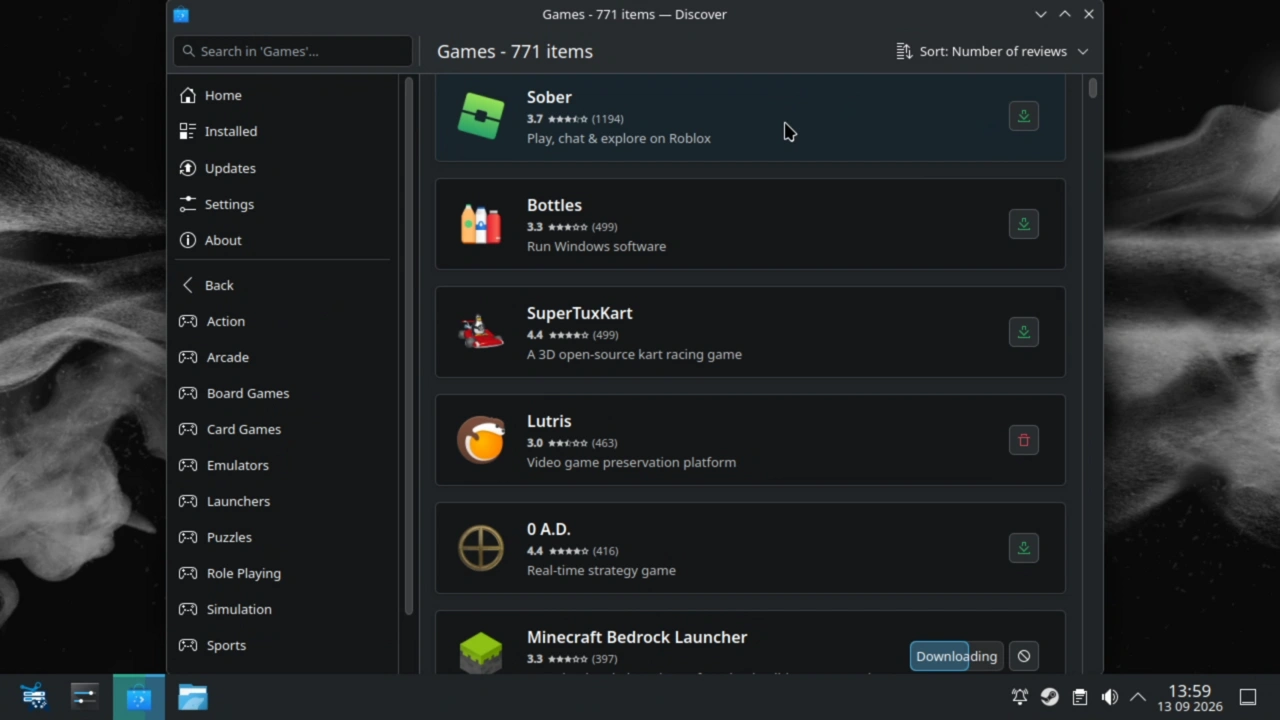
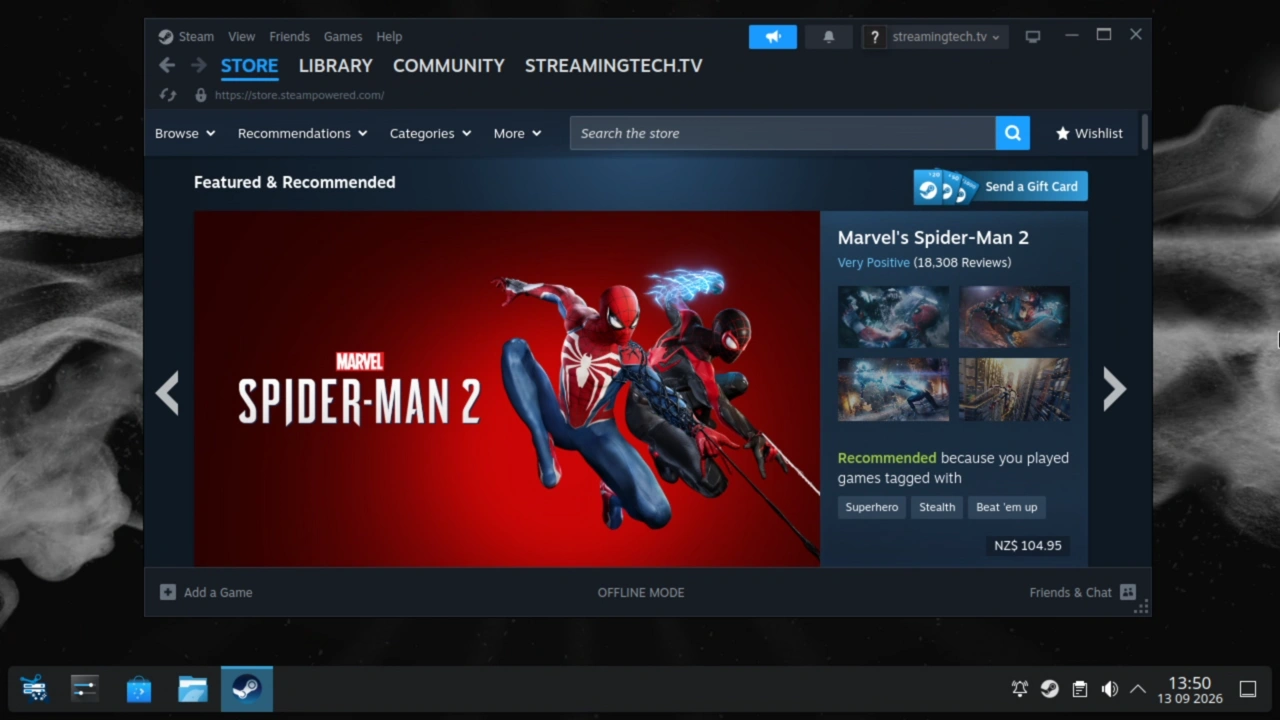
Make the most of KDE Plasma 6 on Wayland. Browse for apps, manage your games and use Steam on a familiar desktop.
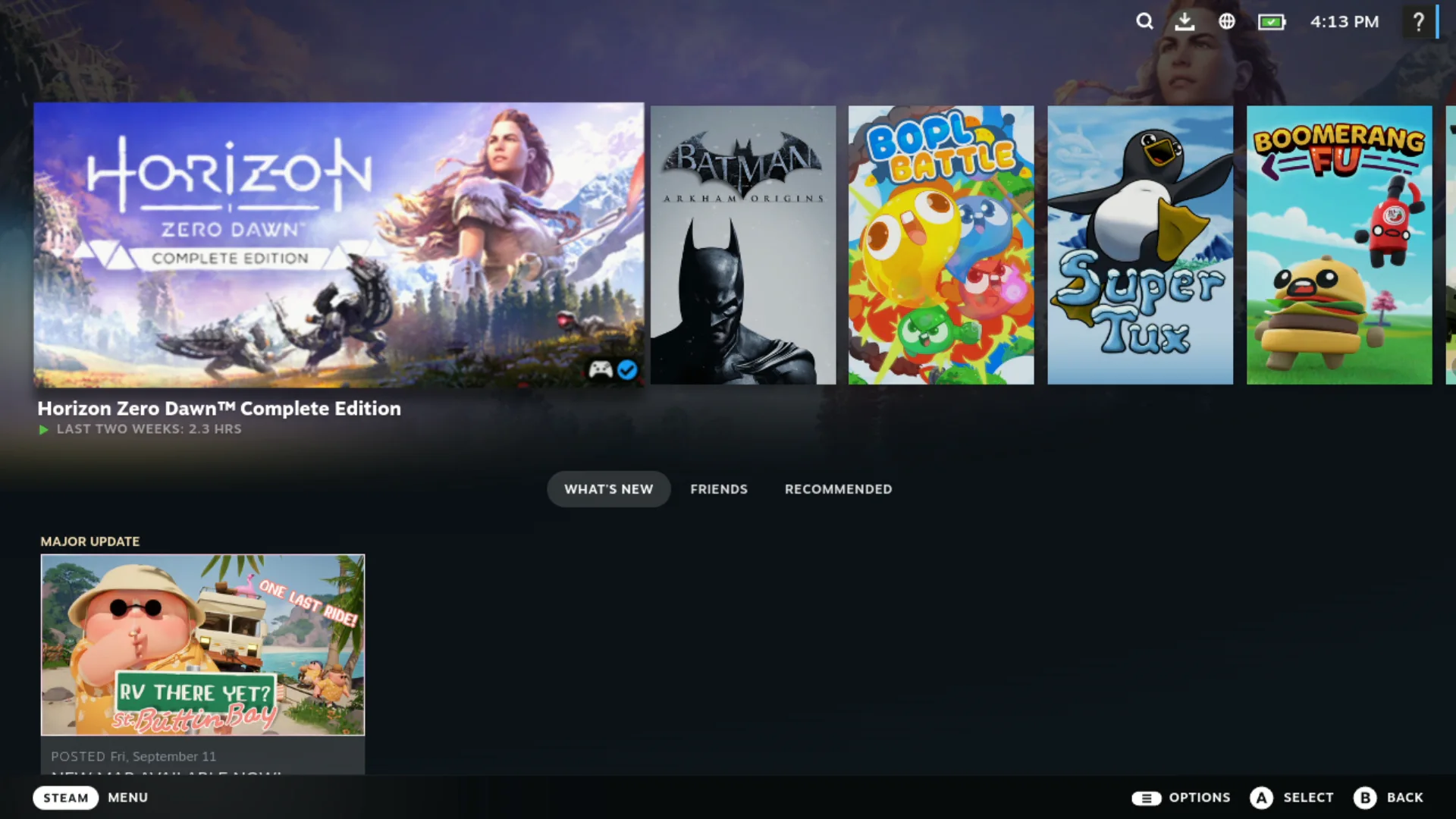
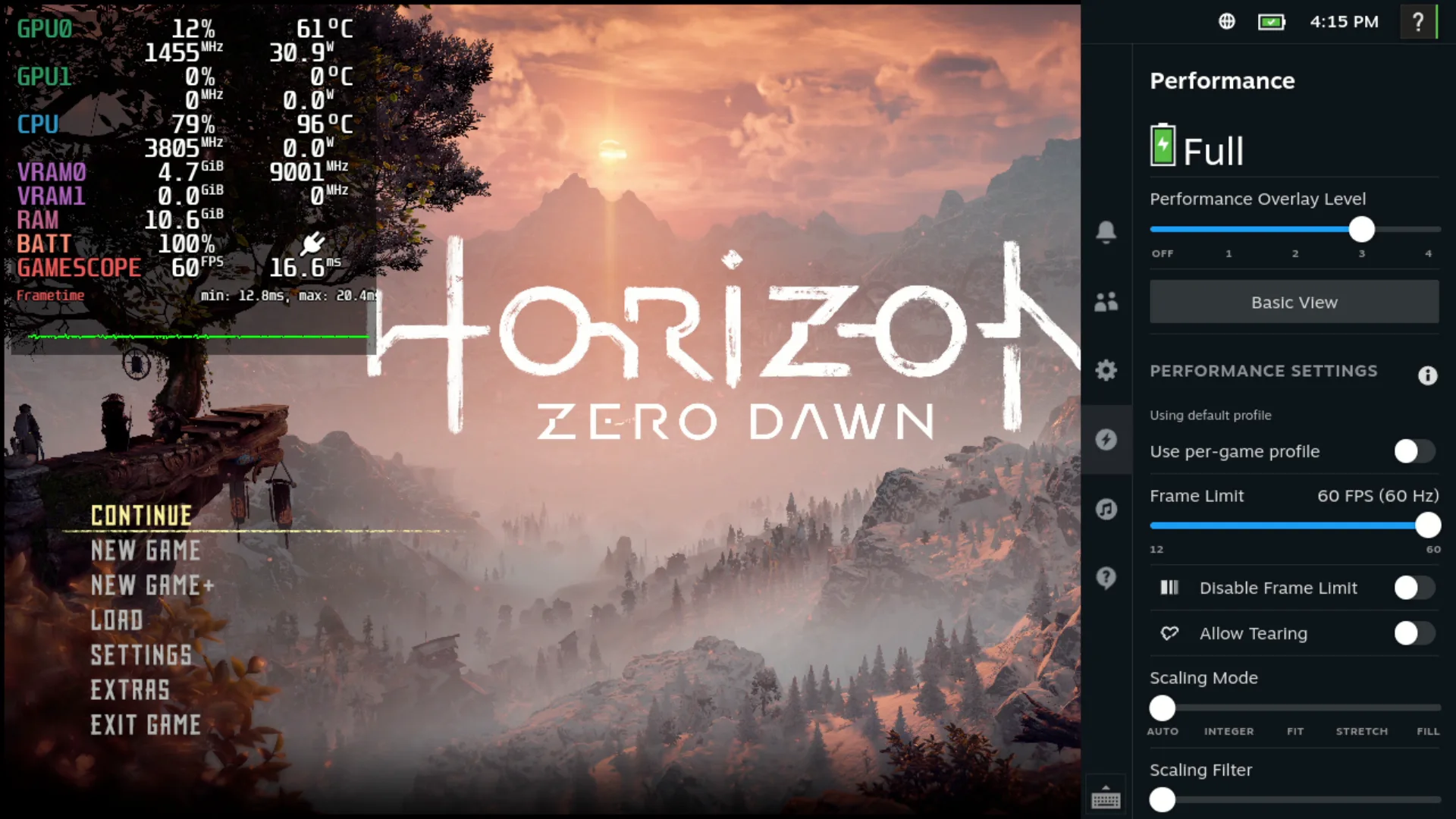
Switch to Steam’s controller-friendly Gamepad UI, launch a game and bring up the performance overlay while you play.
Install favourites through Discover, or add AppImages and standalone tools directly from their publishers. Build the gaming desktop that suits you.
Keep voice channels, calls, messages, and gaming communities beside the games running on your Steam Headless desktop.
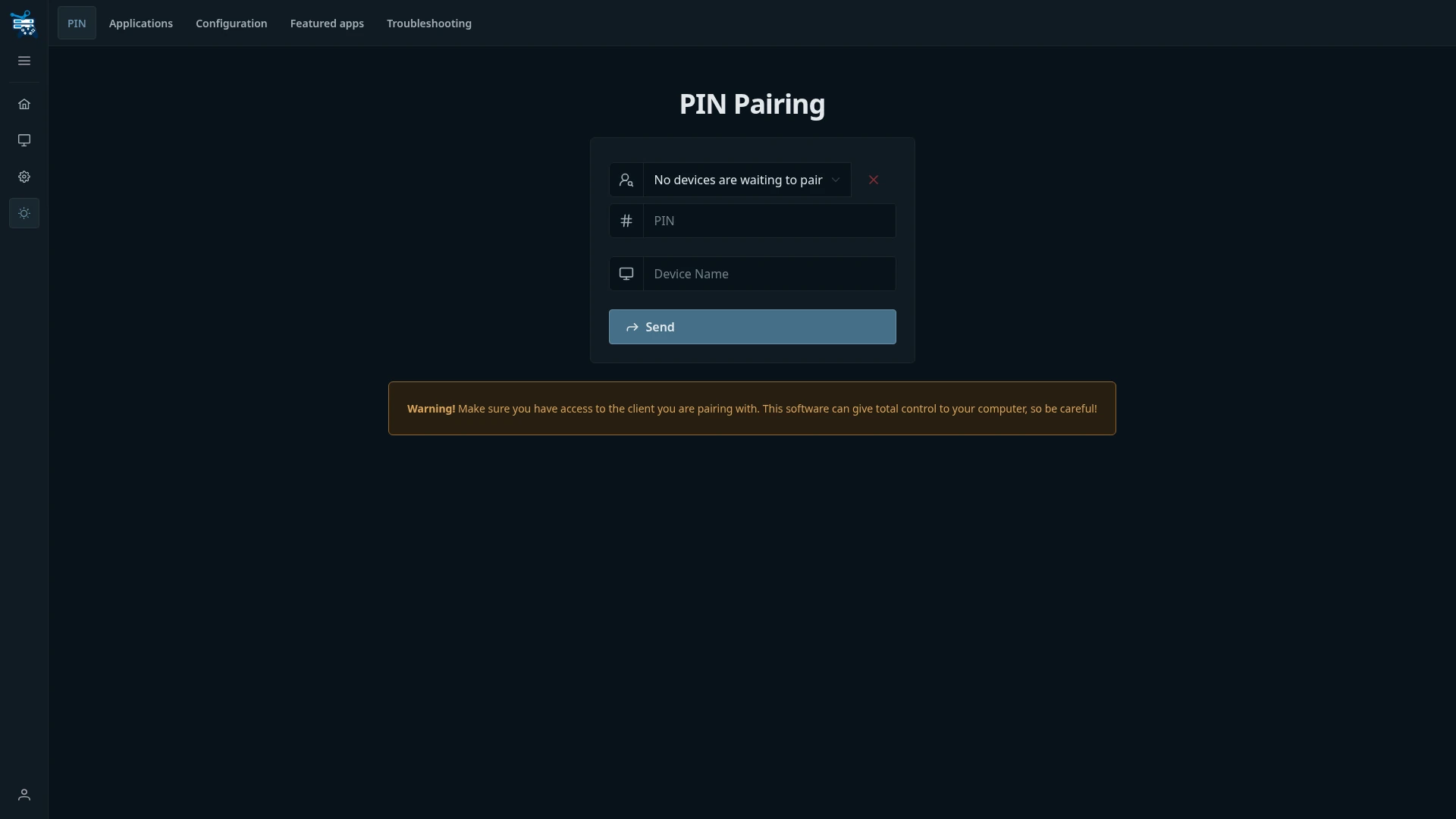
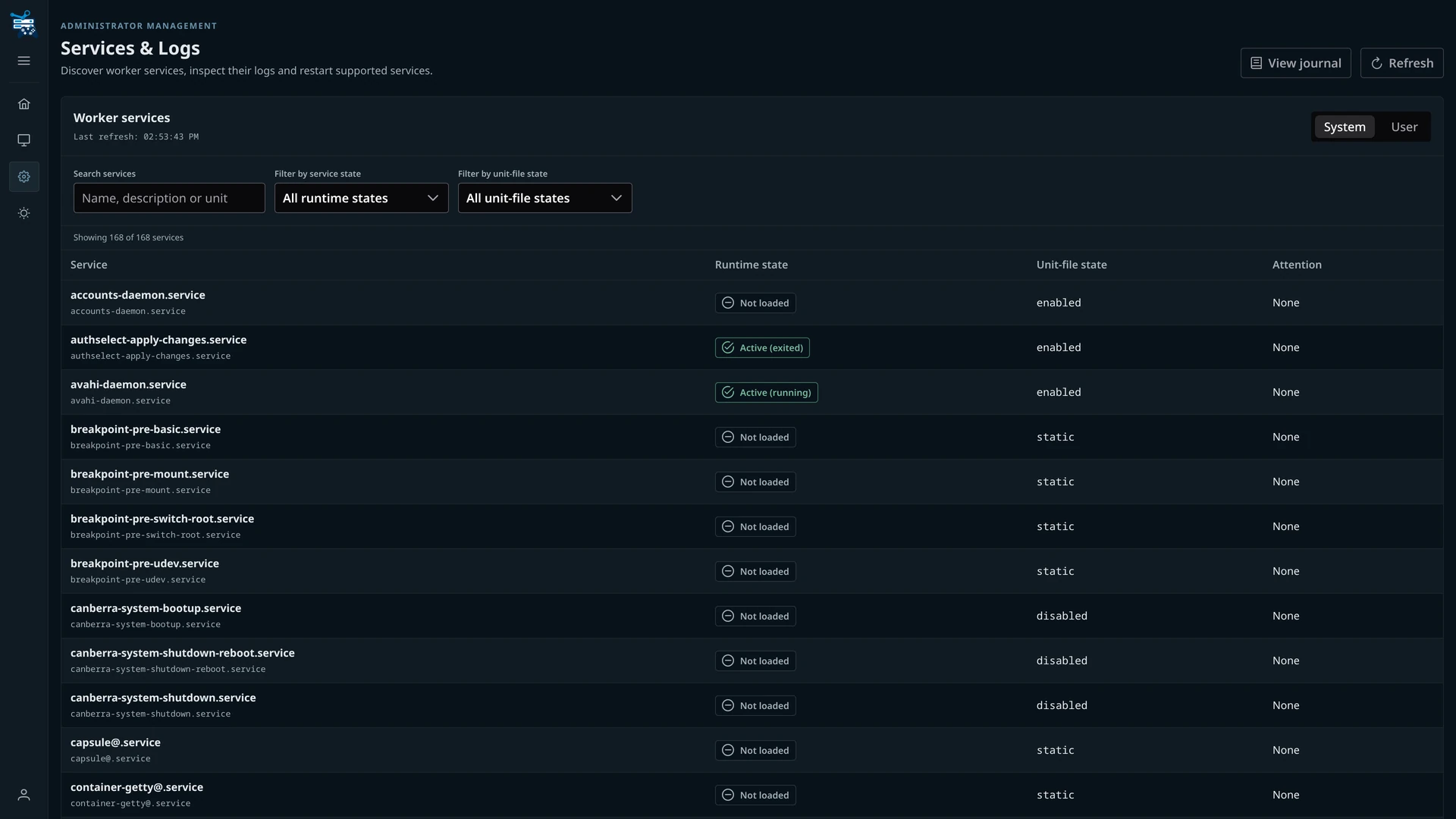
Watch performance, open your desktop, pair streaming clients and manage services from one browser-based control centre.
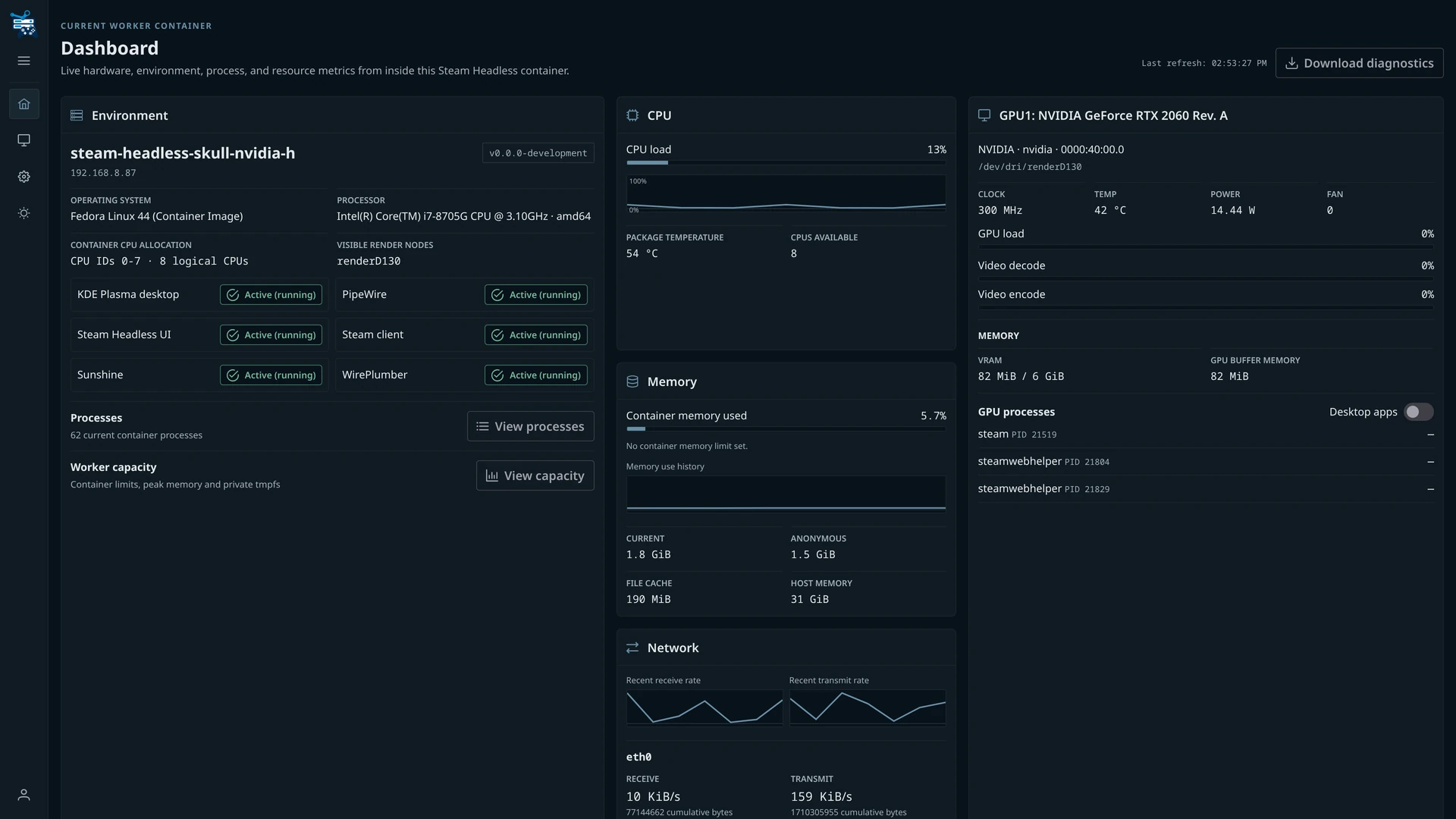
Watch GPU, CPU, memory, temperatures, network activity and running processes while you play. When something feels off, the useful numbers are already waiting.
Steam Headless works with Intel, AMD, and NVIDIA graphics. Pick your GPU below to see the driver and hardware encoder it needs, or check whether your preferred server platform is ready to go.


* HEVC and AV1 availability depends on your GPU generation.
Steam Headless is a community-driven project for PC gamers, homelab enthusiasts, and Linux builders. Explore the documentation, chat with the community, report issues, or sponsor ongoing development.
Looking for guides? Read comprehensive walkthroughs covering host preparation, GPU configuration, audio streaming, multi-container deployments, and troubleshooting.
Join our active Discord server for community support, hardware discussions, setup advice, and troubleshooting with fellow Steam Headless users.
Steam Headless is open source. Report bugs, suggest enhancements, review the source code, or submit pull requests to help shape the future of the platform.
Development is maintained by Josh.5. Help fund ongoing maintenance, hardware testing, and build infrastructure through your preferred platform.





 AreWeAntiCheatYet
















 GitHub Sponsors
 Patreon
 Ko-fi