Smoother streams and a clearer view
Steam Headless v2.44.20261004.1 brings several improvements to the parts you use while playing and streaming. The Gaming Mode performance overlay is back, Steam has a better way to capture the Wayland desktop, and SHUI is easier to use when you check on or connect to your container.
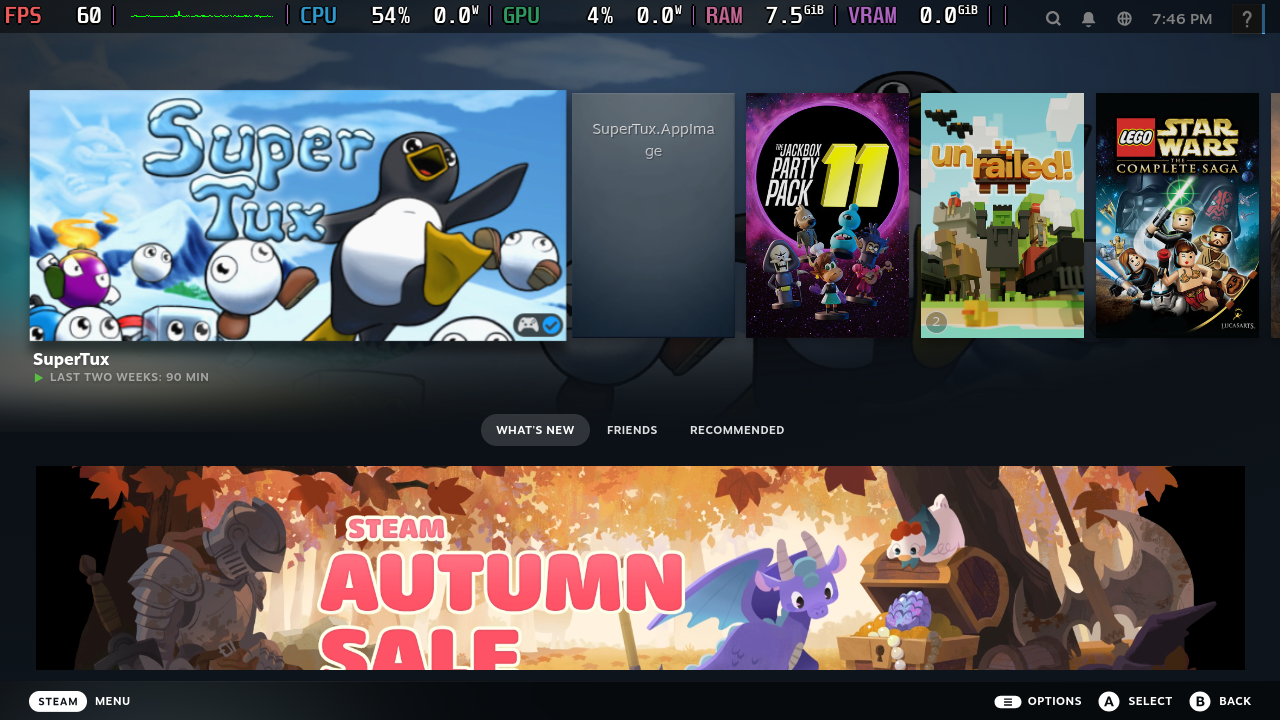
The Gaming Mode performance overlay is back
If you use Steam's performance display to keep an eye on frame rate and system load, it should now appear again in Gaming Mode. A Gamescope and MangoHud combination had prevented the overlay from drawing when Wayland was available to games. This release uses a matched set that restores the overlay while keeping native Wayland support. The upstream MangoHud report describes the underlying failure.
Better capture for Steam Remote Play
Steam now starts with PipeWire capture enabled in both Desktop and Gaming Mode. That gives Steam Remote Play and Steam Link a way to capture the Wayland session, including the first time a fresh container starts streaming. This targets the capture failure described in compatibility report #259; the report covers other behaviour too, so your results on different hardware and clients are still valuable.
Steam's Big Picture view also keeps a more sensible size on the virtual display. Together with steadier Gaming Mode capture, these changes make it easier to get from the desktop into a game and back without losing the stream.
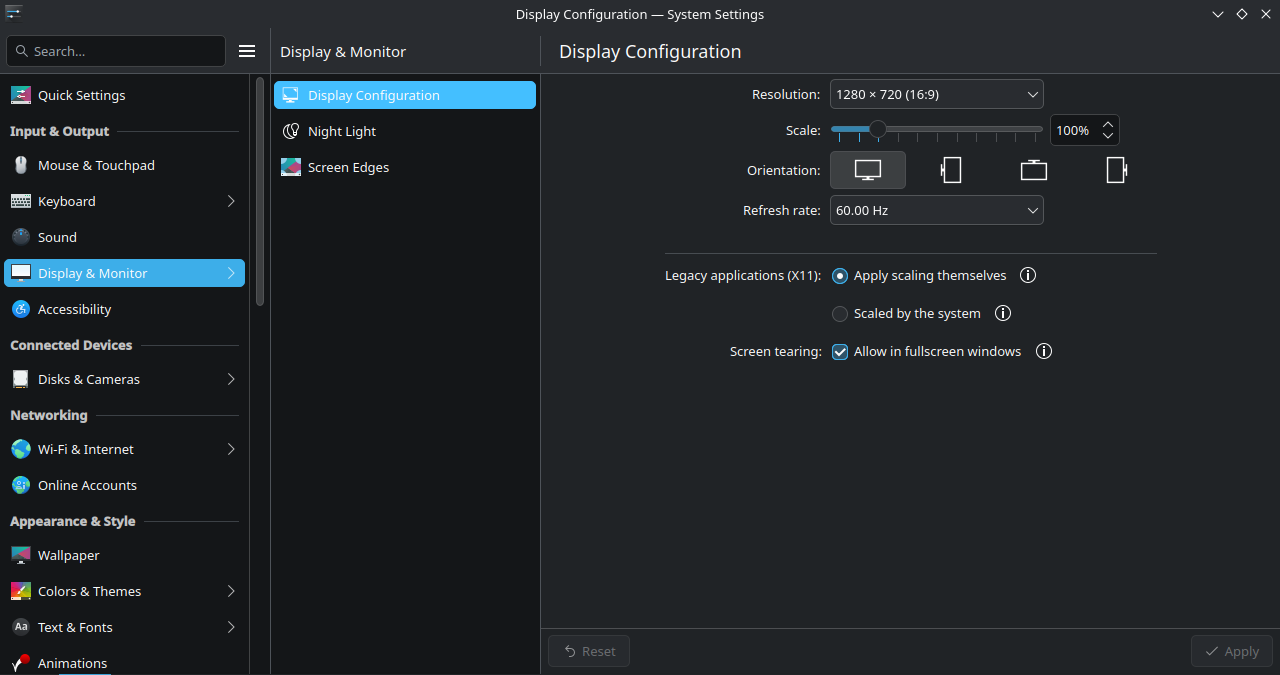
You can see the virtual screen's settings under System Settings → Display & Monitor → Display Configuration on the KDE desktop.
A steadier browser desktop
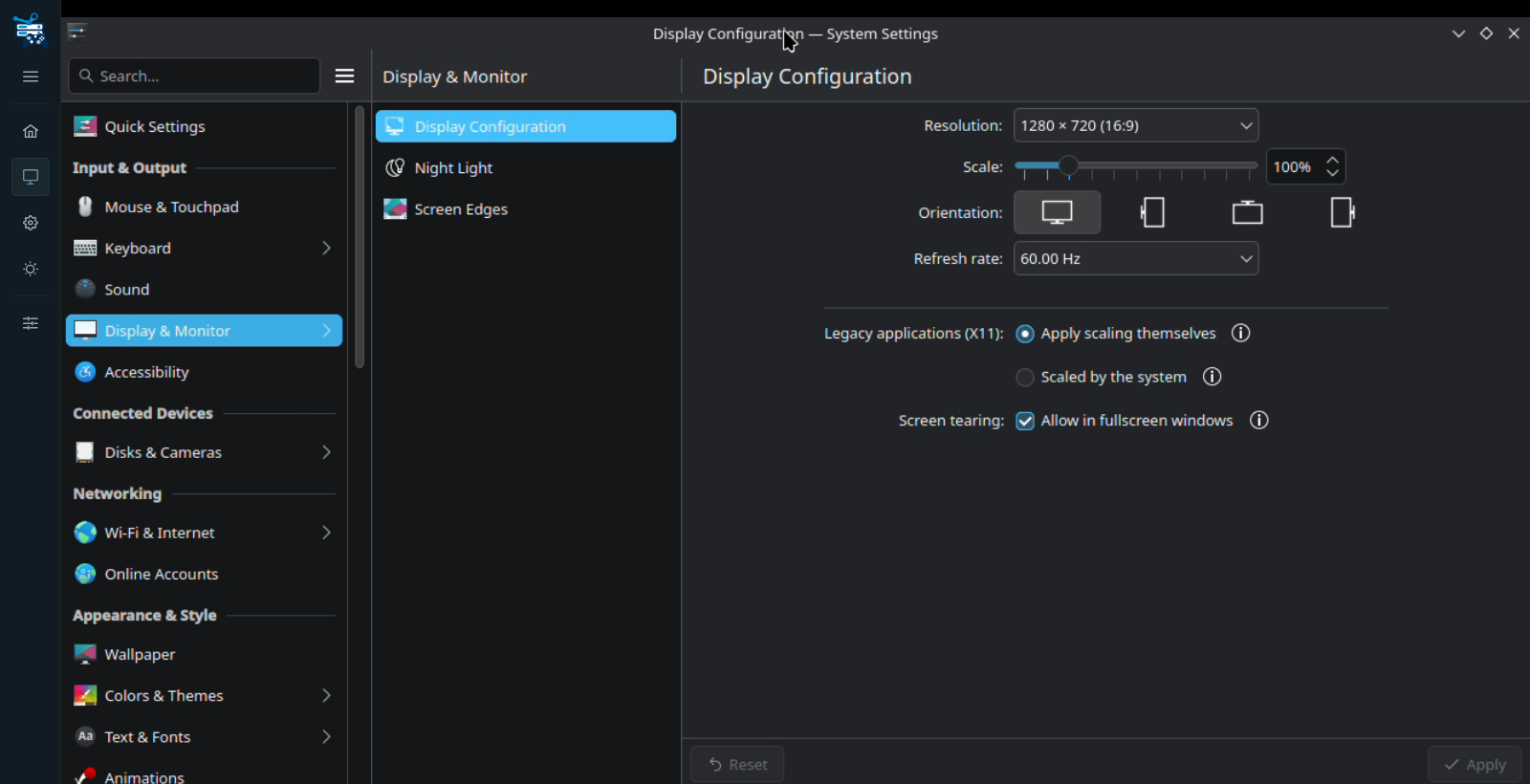
If you view the desktop in SHUI, an interrupted connection can recover more cleanly. The browser now keeps full-screen mode during automatic recovery and avoids repeated interruption messages. Playback is also less likely to be disturbed by the desktop's idle animation, and reconnecting viewers receive a fresh picture more reliably.
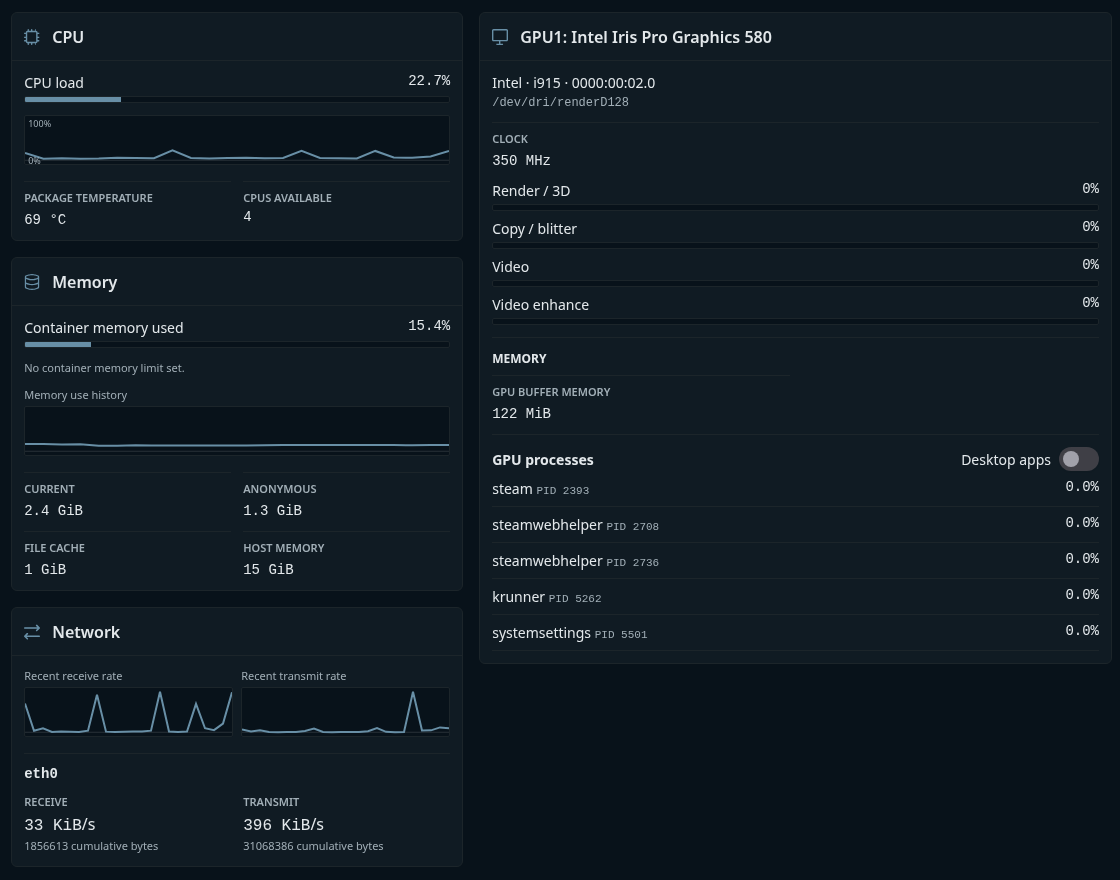
A clearer SHUI dashboard
The dashboard's resource cards now fit their contents rather than stretching to fill uneven columns, and the full container version stays on one line. On host-networked containers, the network section focuses on useful addresses and hardware traffic instead of filling up with virtual connections. The view for containers on their own network remains available as before.